To judge an AI storyboard tool, look at what its shot cards record. If each card is just a picture, it's a mood board. If it records shot size, camera angle, camera move, action, duration, and dialogue — exactly the elements a video model prompt needs — it can feed production. A storyboard's job is to lock down shot intent, not to paint finished frames ahead of time.
Think in shots: a storyboard is a contract for each shot
The official Kling 3.0 guide has a line worth taping to your wall: Think in shots, not clips. One shot = one composition + one subject + one movement. We've seen too many storyboard scripts where a single panel reads "they argue fiercely, then reconcile, as the mood shifts from oppressive to warm" — that's three shots' worth of work crammed into one panel, and it will inevitably fall apart at generation time.
Do the math before you draw. Shot density has official reference values: a 5-second generation holds 1-2 shot cards, 10 seconds holds 2-4, 15 seconds holds 3-6. Once your storyboard is fully broken down, every panel should map to one 5-10 second generation task containing one or two actions. When you can't split any further, the breakdown is done.
What a shot card should record: fields aligned with the prompt
This is the core method we arrived at the hard way: the fields on a shot card should match the element order of a video model prompt exactly. That way, going from storyboard to generation requires no "translation" — reading the card aloud gives you a well-formed prompt:
| Shot card field | What to write | Where it goes in the prompt |
|---|---|---|
| Subject | Who is in the frame, with attributes explicitly bound (a boy in a black uniform) | First — a precise subject |
| Action | The 1-2 actions that happen in this shot, in chronological order | Right after the subject |
| Shot size & camera angle | Close-up / medium shot / wide shot; eye-level / low angle / high angle | The camera section — English terms are more reliable |
| Camera move | Exactly one: push in / pull out / pan / truck / tracking / orbit / static | The camera section |
| Duration | 5s or 10s, sized against the amount of action | A generation parameter — not part of the prompt text |
| Dialogue | The exact line, read aloud and timed to confirm it fits the duration | In double quotes, after the action |
| Referenced assets | Which character sheet, which location reference — declare each one's role | The reference-image declarations |
Put the other way around: a storyboard tool missing these fields can produce the most beautiful frames in the world, and you'll still have to re-think every panel from scratch on generation day.
Storyboard frames don't need to be finished frames
The most expensive mistake at the storyboard stage is chasing image quality. A storyboard frame's job is to lock down "what the audience sees, from which angle, and for how long" — if the composition and blocking are right, rough is perfectly fine, because the final result is regenerated by the video model from the shot card anyway. Spending your generation budget rerolling a "prettier panel" at the storyboard stage is spending money on an intermediate product that gets thrown away. MajoSpace, our previsualization feature in MajoFlow, is the extreme version of this idea: block out camera positions, staging, and composition in 3D space, generate zero images, and verify every shot's intent first.
Two things that span shots: consistency and transitions
- Character descriptions must be word-for-word identical across shots. Give every character a fixed label in the storyboard ("the agent in black") and repeat it verbatim in every panel. Don't drift into "he" or "the man" midway — at multi-shot generation time, a changed label can mean a changed face.
- Mark adjacent-shot transitions ahead of time. For two panels that must cut seamlessly (a continuous action split across shots), annotate the shot card with "previous shot's last frame = this shot's first frame" and generate in first/last-frame mode — don't rely on a text description like "continues from the previous shot."
- Give character references multiple angles. Your storyboard will have profile and from-behind shots (it always does), so the character sheets must include front, profile, and 45° views. A character with only a front-facing photo means the model invents every profile shot from thin air.
FAQ
How detailed does a storyboard frame need to be before I can generate video from it?
Composition, blocking, and shot size are enough — image quality doesn't matter, because the final result is regenerated by the video model. A storyboard frame is just a record of intent. What genuinely needs to be detailed are the fields: action, camera move, duration, dialogue. Missing those is what causes rework.
How much story should one shot card cover?
One 5-10 second generation with 1-2 actions. Reference values: 1-2 shot cards for 5 seconds, 2-4 for 10 seconds, 3-6 for 15 seconds. If a single panel packs three actions and two camera-move changes, you haven't finished breaking it down.
What are the most common problems with AI storyboarding?
Three high-frequency ones: characters drifting across shots (fix with fixed labels plus multi-angle character sheets), shots lacking executable information (the frame is gorgeous but nobody knows how it moves), and no way to trace which shots are affected by a revision (fix by recording each panel's referenced assets).
Is MajoFlow only for storyboarding?
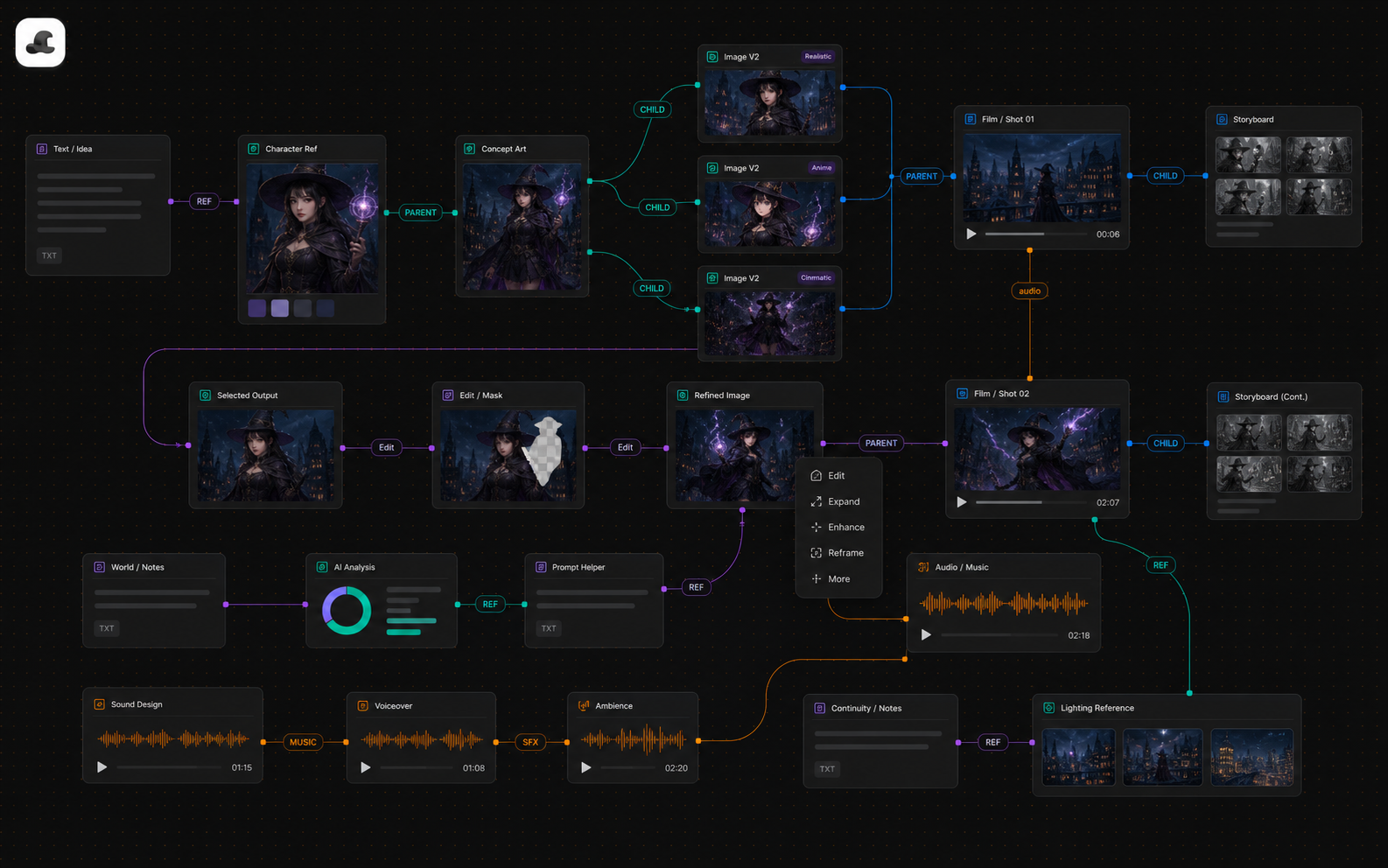
No. In MajoFlow, storyboarding is one stage on the orchestration canvas: upstream it connects to your script and character assets, downstream the shot card fields flow directly into video generation tasks, and in between you can previsualize in 3D with MajoSpace.
Keep reading
AI Canvas and AI Workflow Guide